
Somewhere between 1,000 and 50,000 users, the single-server setup that got you here quietly stops being enough. Here's the exact VPS architecture for each stage, plus why EU-owned hosting closes enterprise deals faster.
The 5 to 15% Concurrency Rule
Not all your users are online at the same time. At peak hours, B2B SaaS apps typically see 10 to 20% of their active user base logged in concurrently, while consumer apps can hit 50 to 60% during viral spikes. That percentage is your concurrent user window, the real load your VPS has to handle. Signup totals are a vanity metric for infrastructure planning; the concurrent window decides whether your app stays fast or starts timing out.
1,000 users: 50 to 150 concurrent sessions
A single VPS with 2 vCPUs and 4 GB RAM handles this without much strain for a standard web app with proper caching and optimization. Run background jobs (email, reports, scheduled tasks) during quieter windows.
50,000 users: 2,500 to 7,500 concurrent sessions
A single app instance handles maybe 100 to 500 concurrent users, so you're already well past what one server can absorb. Database queries stack up, thread pools fill, and response times start creeping in mid-session.
These numbers shift with product type, usage patterns, and time zone spread, so treat them as starting estimates rather than fixed targets. They are a solid baseline for sizing your VPS, not a hard rule.
Setting Up Your Single-VPS Stack For The First 5,000 Users
A 4 vCPU, 8GB RAM VPS covers you well through your first 5,000 users, handling 100 to 500 concurrent without strain. Keep the stack tight: one server, all services on the same box, communicating over localhost so response times stay tight with no network hops between layers. The combination most SaaS teams land on pairs NGINX, PostgreSQL, and Redis, because every layer can share the same RAM.
Nginx
Sits at the front, taking public traffic and routing it to your app server on a local port.
App Server
Gunicorn for Python, PM2 for Node.js, or PHP-FPM for PHP, running behind Nginx.
PostgreSQL
Handles the primary database, tuned for the available RAM.
Redis
Covers sessions, caching, and the job queue (capped memory).
Background Worker
Sidekiq, Celery, or Bull processing async tasks.
DB & Redis settings worth configuring
The random_page_cost setting tells the query planner to treat disk reads as nearly sequential, which matters on SSD storage.
Capping Redis at 512MB with allkeys-lru covers session storage, query caching, and your job queue without cutting into your database's memory share.
Adding PgBouncer in transaction pooling mode routes 500 application connections through only 20 actual database connections, significantly reducing memory pressure on an 8GB server.
What To Leave For Now
Don't split your database off to a separate server yet. Skip the load balancer, and hold off on a dedicated Redis instance too. The database is usually the first component worth separating, but only once it becomes the most resource-constrained part of your stack. Before that point, the added complexity costs more than it solves.
How To Scale From 5,000 To 50,000 Users
At 5,000 users, the single-VPS stack starts showing its limits. The bottleneck is usually services competing for the same resources on one box, not the app code. Separate the tiers in this order:
1. Move the database to its own VPS
Your database layer gets starved first, competing with your app runtime for every megabyte of RAM. A dedicated 4 vCPU, 8GB instance works for most relational databases at this stage. Existing buffer and cache tuning carries over. If your stack uses a connection pooler, keep it on the app server side, pointed at the database VPS's private IP. Connect both servers over a private network and keep latency under 1ms.
2. Add a dedicated cache instance
When caching and queue processes share CPU with your web processes, both slow down at peak. A 1 vCPU, 2GB VPS handles Redis or Memcached cleanly at this scale. Set a memory cap with an eviction policy that fits your workload, then point sessions, job queues, and query cache here. Once cache is shared, every app server becomes stateless and a second app server is trivial to add.
3. Set up a load balancer
A lightweight 1 vCPU VPS running Nginx or HAProxy handles traffic distribution. Add a health-check endpoint and poll it every few seconds so failed servers drop from rotation automatically. As SSL renewals, DDoS response, and bot filtering pile up, a managed load balancer pays for itself: edge caching, HTTP/3 support, and bot filtering reduce actual load on your app servers, and flat per-domain pricing keeps costs predictable once traffic stops being steady.
Your stack at the end of Stage 2
One load balancer, two stateless app servers, one dedicated database VPS, and one dedicated cache VPS. Each tier scales independently from here.
Outgrown Multi-VPS
Ready for dedicated, flat-rate hardware?
When a multi-VPS stack stops being enough, Webdock Private Cloud gives you a physically isolated cluster on flat monthly pricing and full EU data sovereignty.
When Procurement Asks Where Your Data Lives
Once your SaaS starts closing enterprise deals in Europe, your hosting location gets pulled into legal review. Procurement asks the same three questions every time: where is our data stored, who controls it, and what happens when a government demands it. Your answer can stall or close the deal.
What GDPR actually requires on data location
GDPR doesn't outright ban data from leaving the EU. Chapter V, Articles 44 through 49, governs cross-border transfers, which need either an adequacy decision or a valid mechanism like Standard Contractual Clauses. Keeping data inside the EU removes that layer entirely: no SCCs, no Transfer Impact Assessments, no adequacy decisions to track.
The CLOUD Act problem with US-owned providers
The CLOUD Act (18 U.S.C. § 2713) requires US companies to hand over data on their servers anywhere in the world when the US government demands it. AWS, Google Cloud, and Azure are US companies, so your app in an AWS EU-West-1 region still falls under US jurisdiction. Enterprise legal teams in Germany, France, and the Netherlands bring this up during vendor reviews.
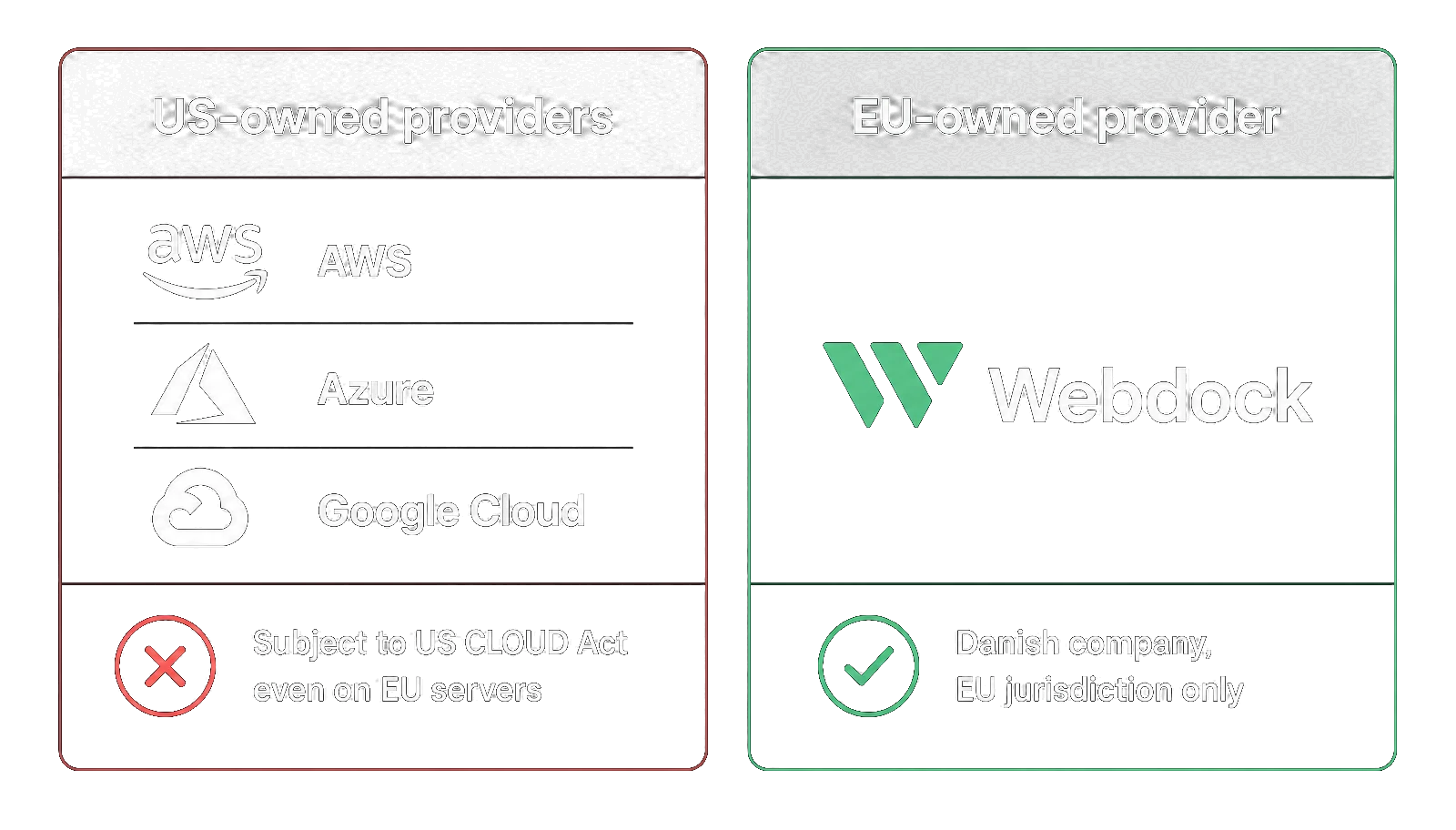
A provider incorporated and operating entirely inside the EU takes that exposure off the table before the question gets asked.
Why Webdock Fits Hand In Glove For Your SaaS Architecture
The architecture above works, but running it across multiple servers still leaves real coordination work: right-sizing each tier, handling compliance, and keeping overhead low enough for a small team to manage.
That's where your provider matters. Webdock is a Linux VPS provider that owns and operates its own data center in Denmark, powered by renewable energy, not reselling AWS or Google Cloud. That changes how it handles pricing, compliance, and the tools shipped with every server. Here's what you need to know:
Right-size every server role
Most providers force you into preset bundles, so you pay for capacity you won't use on every tier. Webdock's Custom Profile Builder lets you set exact CPU threads, RAM, storage, and bandwidth per server. When a tier needs more, you adjust the profile, the server reboots, and the new spec is live.
Free addons that take operational load off
Every plan ships with free Let's Encrypt SSL, automated backups (2 daily and 3 weekly snapshots), and a browser-based control panel. From €5.99, you also get Postmark transactional email and ImprovMX forwarding, so password resets and billing notifications work from day one. And the Webdock API handles provisioning, so scaling from one VPS to five doesn't mean repeating the same setup by hand.
EU-owned infrastructure with GDPR DPA included
Webdock operates entirely outside US jurisdiction, so the data sovereignty question gets a one-sentence answer instead of a Transfer Impact Assessment. Your GDPR Data Processing Agreement downloads straight from the dashboard, in the same session you provision the server.
No-Nonsense Load Balancer
A managed load balancer that covers SSL renewals, DDoS mitigation, bot filtering, HTTP/3, and edge caching automatically. Flat €9.95 per domain per month with no bandwidth limits.
Not sure which stage you're at?
Tell us your current setup and where you're headed. We'll help you figure out whether you need Stage 1, Stage 2, or Private Cloud, no pressure, no upsell script.