
Why it matters
Encrypted traffic
Protect logins, forms, API calls, and checkout.
Better SEO
Google prefers secure sites.
Trust
The padlock improves conversions and credibility.
Low maintenance
Auto renewals every 60-90 days by default.
Full control
One place to manage everything in the Webdock Control Panel.
In the control panel
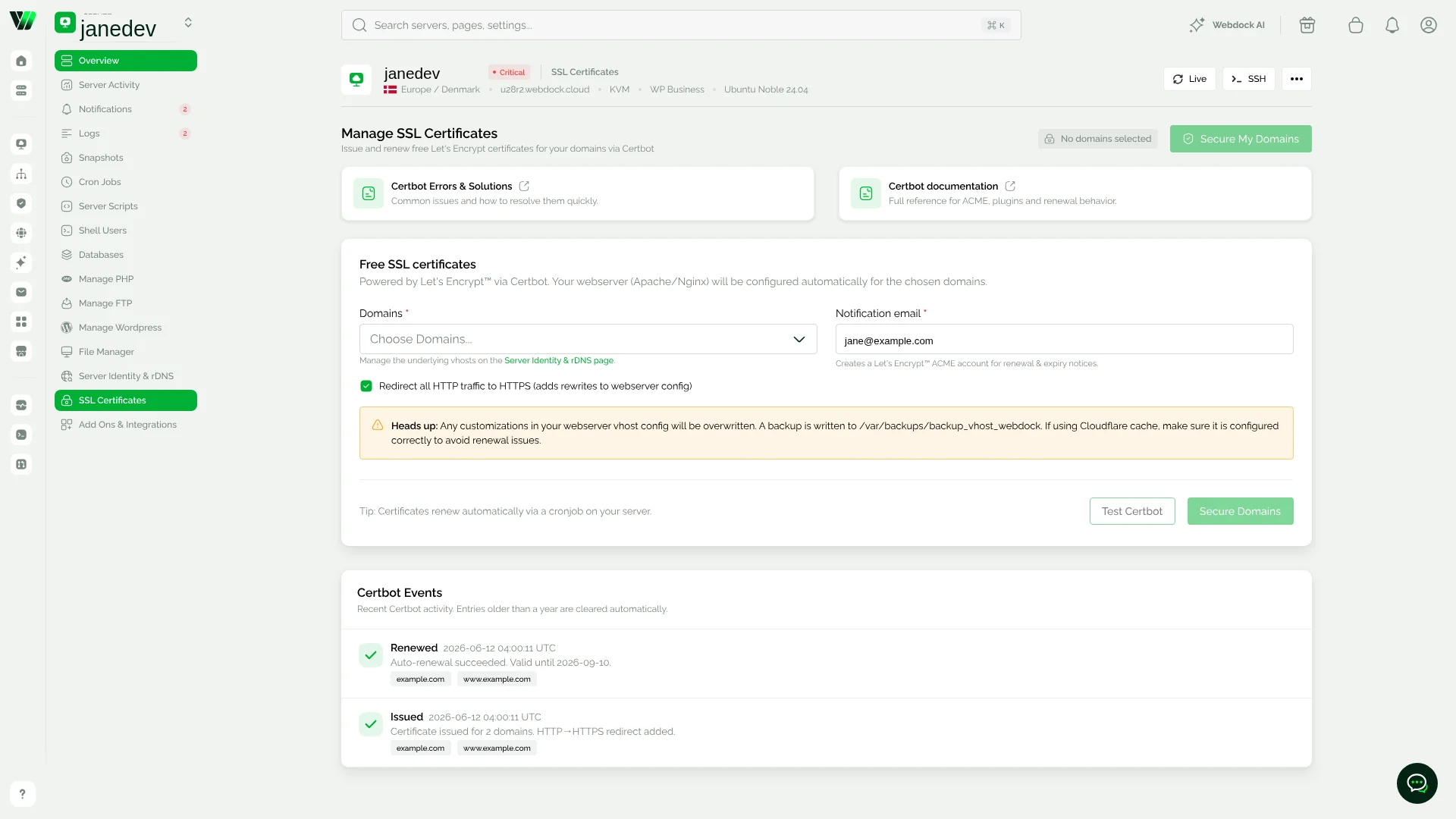
Certificates, handled from one screen
Select the domains you want covered, confirm the HTTPS redirect, and the panel hands the rest to Certbot. Renewal history stays visible in the same view.
Automatic HTTPS
Automatic HTTPS, Zero effort
Get free SSL on your websites. No manual certificates. No extra fees. Just security and better SEO. If you are paying for certificates today, it is time to switch.
Webdock issues and renews your SSL/TLS certificates automatically via Let’s Encrypt and ACME. Certbot is preinstalled on our standard stacks, so your domains are secured without scripts or support tickets.
Comparison
Free vs paid SSL – What is the difference
For most websites, Free SSL via Let’s Encrypt is the right choice. If you need EV or audit-specific compliance, bring your own certificate and use it on Webdock.
Point your domain, enable Free SSL, and let renewals run on their own.
From domain to HTTPS in three steps
Step 1
Point your domain to your server
Update your DNS records, then test the domain in Server Identity to confirm it resolves.
Step 2
Enable Free SSL
We issue the Let's Encrypt certificate automatically and set up the HTTP to HTTPS redirect.
Step 3
We keep it renewed
Certbot renews on a systemd timer every 60-90 days. You do not need to do anything.
Included with every Webdock server
Point your domain, enable free SSL. Done.
- ACME automation with Certbot
- NGINX SSL configuration included
- Auto renewals via systemd timer
- HTTP to HTTPS redirection built in
- Works with both LEMP and LAMP
FAQ
Free SSL Certificates: Frequently Asked Questions
Issuing, renewing, and troubleshooting certificates on your server.
No. It is included.
No. We renew automatically. You can run a manual renewal any time.
Yes. Add both in your server block and let Certbot issue for both.
Yes. Upload your files and point your config to them.
TLS is fast on modern hardware and often faster than http due to HTTP/2.